READS FTP Login Information Panel
The READS FTP Login Information panel is used to set up and verify integration between the Honda READS program and the XtreamService application. Once account information for a Honda READS account has been verified, finance and lease information from American Honda Finance Corporation (AHFC) is available for proposals generated for Honda customers.
Note - This panel is only available at dealerships with a Honda READS account. For more information about the Honda READS program, contact XtreamService Support. To access support information, click the  (More) icon and then click the Contact Support link.

|
The READS FTP Login Information panel displays on the General Settings screen. To access the General Settings screen, click the |
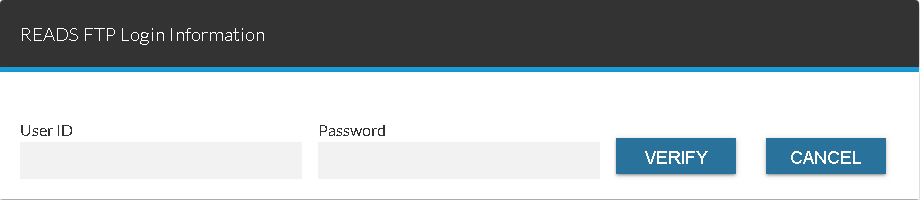
To define log in information for a Honda File Transfer Protocol (FTP) account, enter the Honda FTP User ID and password in the User ID field and the Password field, respectively. Click the VERIFY button to verify whether the entries are correct, and then click the UPDATE button to save the changes.
Once account information has been verified, finance and lease information for Honda customers is automatically updated daily based on the most current Power of Leads file from AHFC. The literal "AHFC" displays to the right of or below fields throughout the XtreamService application that have been automatically updated using information from AHFC.
The following fields are available in the READS FTP Login Information panel.
User ID: Enter the User ID for the Honda File Transfer Protocol (FTP) account used at the dealership.
Note - If the entry in this field is updated after the entry has been verified, a message stating that the information must be reverified displays below this field.
Password: Enter the password for the Honda FTP account used at the dealership.
Click here for a list of products that may be mentioned in this help file.